


At RevolveAI we build AI tools that automate real workflows. Our latest product is UpworkAlerts — and its newest feature is an MCP (Model Context Protocol) tool that connects directly to Claude and ChatGPT, letting freelancers research any Upwork job and client without leaving their AI chat. This post explains what we built, the problem it solves, and how the MCP integration works.
The Problem We Were Solving
Upwork has millions of job postings. Freelancers waste enormous time on two things: finding the right jobs fast enough, and vetting clients before applying. A client's hire rate, actual pay history, review sentiment, and current competition level are all knowable signals — but gathering them manually for every job takes 5–10 minutes per post. At scale, that's the biggest efficiency bottleneck in a freelancer's workflow.
The signals exist. The friction is in retrieving them fast enough to act. A freelancer who can evaluate a job posting in 30 seconds instead of 10 minutes can cover 20x more ground — and apply selectively, not speculatively.
What UpworkAlerts Does
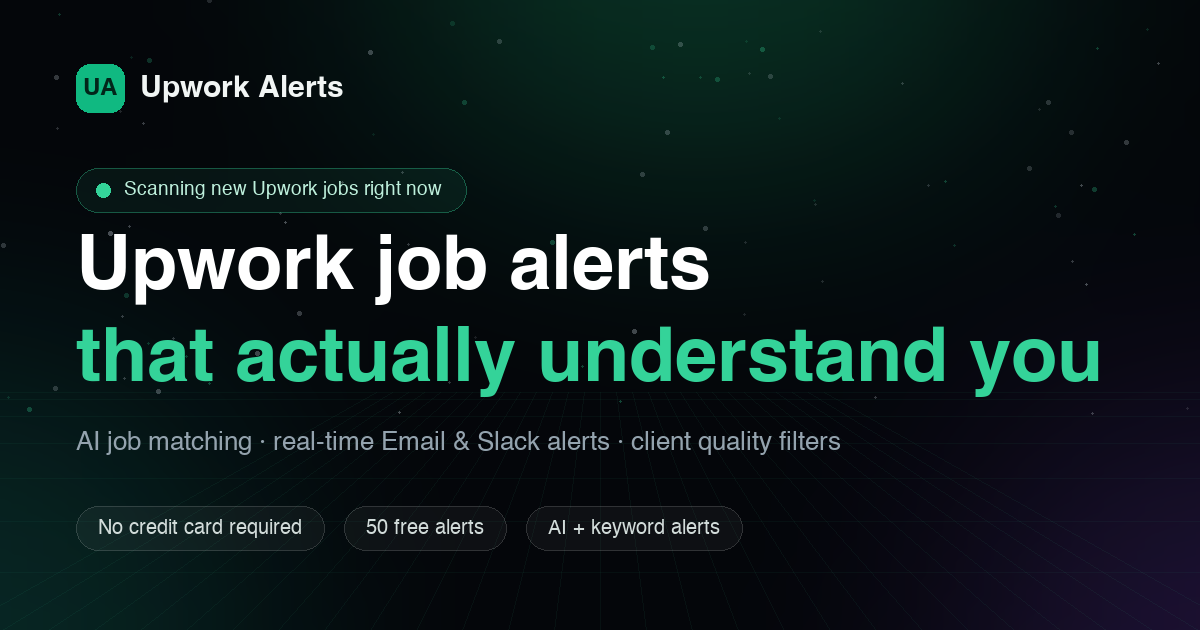
UpworkAlerts is an AI-powered job alert platform built specifically for Upwork freelancers. Instead of keyword matching, it uses AI to understand intent and context — so when you set up an alert for "computer vision annotation," you get relevant jobs, not every post that contains those words.
Core features:
- AI matching that understands job context, not just keywords
- Real-time delivery via Slack and email
- Client quality filters — hire rate, total spend, payment verification status
- Built to solve the signal-to-noise problem in Upwork job discovery
The alert side handles discovery. The new MCP tool handles evaluation.
The MCP Tool — Research Inside Claude and ChatGPT
MCP (Model Context Protocol) is a standard that lets AI assistants like Claude and ChatGPT connect to external tools and data sources. Think of it as a plugin layer — the AI model stays in the loop, but it can now pull live data from outside systems mid-conversation.
The UpworkAlerts MCP tool puts Upwork client research directly inside your AI assistant. Here's what it does:
- Connect once — install the MCP tool in Claude or ChatGPT, authenticate once
- Ask in plain English — "Research the AI/ML jobs posted in the last hour" or paste any Upwork job URL
- Get full client intel — hire rate, total spent, real average pay vs. posted budget, payment verified status, complete review history, current proposal count, interview and invite rates
- Receive a clear verdict — Apply, Maybe, or Skip — based on the client's actual track record
- Generate a research-guided proposal — the AI uses the client's hiring patterns to write a proposal matched to what they actually respond to
The key shift: the AI assistant goes from being a writing tool to being a research and decision tool. The freelancer never leaves the chat. Job URL goes in, research summary and draft proposal come out.
Setup instructions are at upworkalerts.com/research.
Why We Built It as an MCP Tool
The MCP abstraction is the right one here because it keeps the intelligence in the right layer. Claude and ChatGPT are already where freelancers write proposals — they're the natural home for this workflow. UpworkAlerts handles the data layer: live Upwork job and client data, structured and queryable. MCP is the bridge.
Building a standalone UI for this would have been worse. A separate app means another tab, another login, another context switch. The workflow belongs inside the tool freelancers already use for writing. MCP makes that possible without rebuilding the AI layer ourselves — we get the reasoning and writing capability of frontier models, and they get our data.
The result is a freelancer tool that's meaningfully better than the sum of its parts. Claude alone can't pull live Upwork data. UpworkAlerts alone can't write proposals. Together, connected via MCP, they handle the full research-to-proposal workflow in a single conversation.
What's Next
UpworkAlerts is available at upworkalerts.com. The MCP research feature is included in Pro. We'll continue extending the tool — next priorities are batch job analysis (evaluate 20 jobs at once) and alert-triggered auto-research (new alert fires, research runs automatically before you even open the app).
If you're building AI-powered workflow tools or want to discuss the architecture, reach out at support@revolveai.com.







Copyright © 2024 RevolveAI. All rights reserved. | UpworkAlerts